


A 1xBet deposit is initiated through the payment section of a registered account. Before sending funds, the user should review the amount limits and payment conditions shown for the selected option. The sender’s details must be entered correctly, while the account currency should match the planned transaction where possible. These checks reduce the risk of conversion costs, rejected payments and delays when the deposited balance is later used on the platform.
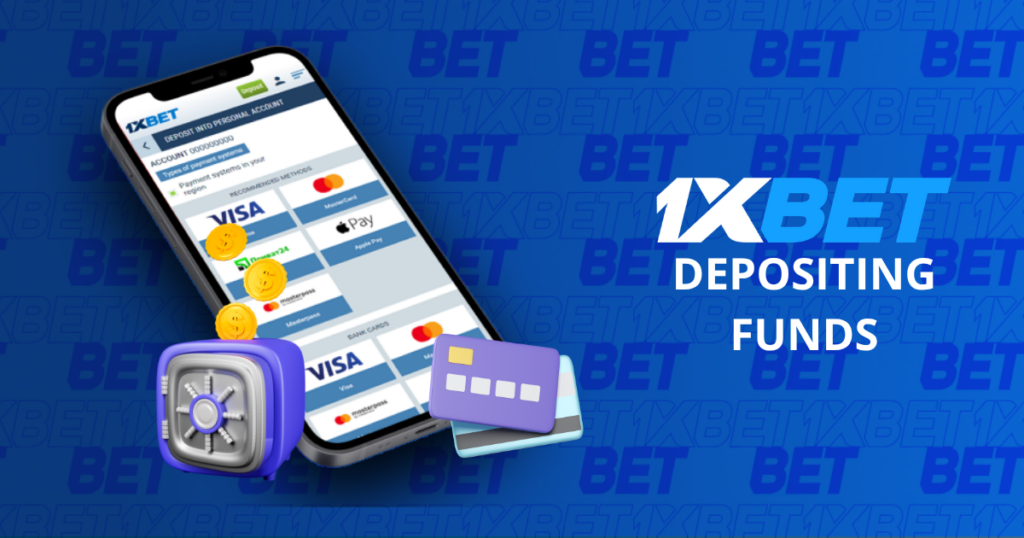
Available Deposit Methods
The 1xBet payment section supports more than 250 payment systems. The options visible to a particular user depend on the services connected to the account and its selected currency. They can include international solutions as well as payment services offered within the user’s region.
| Deposit method | How the transaction works | Important check |
| Bank cards | The amount is charged to a supported card | Online payment permission |
| Electronic wallets | Funds are transferred from a wallet balance | Matching account information |
| Bank transfers | A banking provider processes the payment | Reference and transfer status |
| Cryptocurrencies | Assets are sent to the provided address | Correct coin and network |
The cashier provides the current conditions for each displayed option. A suitable method should offer convenient transaction limits and support the currency needed for the payment. Its withdrawal functionality also matters: winnings are normally returned through the channel previously used to fund the account. Users should therefore select a service that they expect to retain access to instead of choosing an unfamiliar option solely for one transaction.
How to Make a Deposit
To begin, the user signs in to the 1xbet online account and opens the cashier. The transaction must be created from this section so that the platform can connect it to the correct profile. Details should be copied directly from the selected card, wallet or payment page rather than entered from memory.
The deposit procedure consists of these steps:
- Open the registered 1xBet account.
- Go to the deposit section.
- Choose one of the displayed payment options.
- Specify a permitted transaction amount.
- Complete the required payment fields.
- Review the final sum and currency.
- Approve the request through the provider.
- Confirm that the balance has been updated.
A bank or wallet may request a one-time security code before releasing the money. A cryptocurrency transfer can remain uncredited until the required network confirmation is recorded. After approval, the user should save the receipt or transaction number. This reference allows the payment to be traced if the account balance does not change. The same transaction should not be submitted repeatedly while its first request still has a pending status.
Minimum Deposit Amount
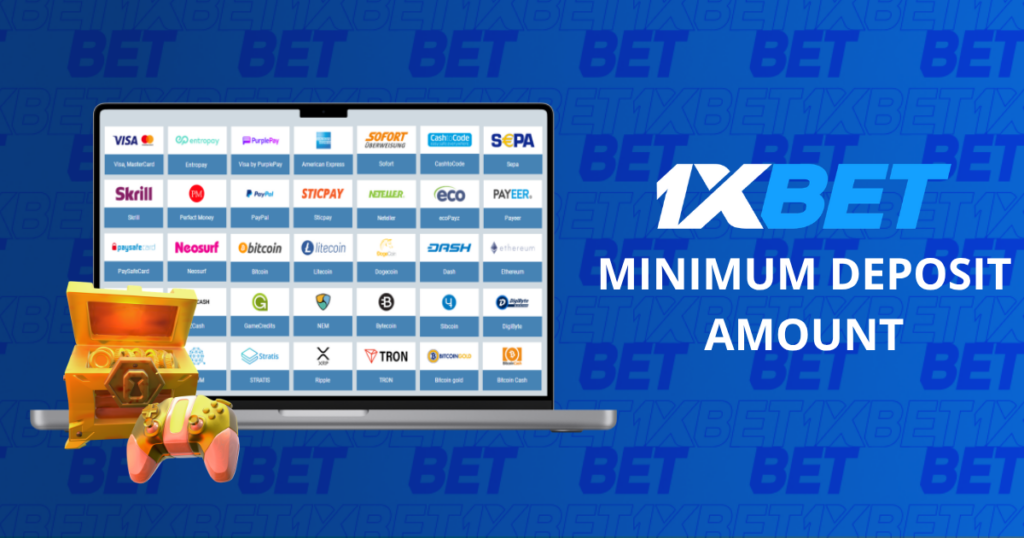
The minimum deposit starts from $1 when this threshold is supported by the selected method. It does not apply automatically to every option in the cashier. Each provider can set a different lower limit, so the figure displayed on the transaction screen takes priority for the payment being prepared.
Before entering the amount, the user should verify:
- the lower and upper limits for the chosen service;
- the currency assigned to the 1xBet account;
- the final sum requested by the provider;
- the available card or wallet balance;
- ownership of the payment account.
A request below the stated threshold cannot normally proceed. A payment may also fail when the available balance equals the deposit but does not cover an additional provider charge. If two currencies are involved, conversion can alter the amount debited from the original account. The confirmation screen should therefore be checked before approval rather than after the charge has been made. Splitting one intended payment into several smaller transactions is not useful if each part falls below the permitted minimum.
Conclusion
A reliable deposit begins with choosing an accessible payment service and reading its current conditions in the cashier. The user should then enter accurate details, approve the request once and retain the transaction reference until the funds appear. This approach makes it easier to identify whether a delay occurred on the platform or on the provider’s side.
If the balance is not updated, the transaction status should be checked before another request is created. A pending operation may still be undergoing bank authorization or blockchain confirmation. A declined operation requires the sender to review the provider’s message and correct the stated issue. When the reason remains unclear, 1xBet support is available 24 hours a day. Providing the payment reference, amount and submission time helps the support team locate the operation without requesting the same information again.
FAQ
Sign in, open the cashier and select an available funding option. Enter an eligible amount, complete the payment fields and authorize the request through the provider.
The available selection can include cards, electronic wallets, bank transfers, cryptocurrencies and regional services. Only the options displayed in the user’s cashier are currently eligible.
It can start from $1, but the applicable threshold is the one stated beside the chosen method. A different provider may require a higher amount.
Charges vary between payment services. The confirmation page should be reviewed for a provider fee or currency conversion before the transaction is approved.
There is no single processing period for every option. Authorization rules and, for cryptocurrency, network confirmation determine when the balance is credited.
The provider may still be processing the request. Bank authorization, an incomplete account check or a temporary technical delay can keep the operation pending.
Possible reasons include insufficient funds, incorrect sender information, provider restrictions, unsupported transaction values or an incomplete security confirmation. The rejection message may identify the exact cause.
A completed payment usually cannot be reversed from the betting account. For an operation that has not finished, the user should ask the provider or platform support whether cancellation remains possible.